

Maybe this will help someone. It 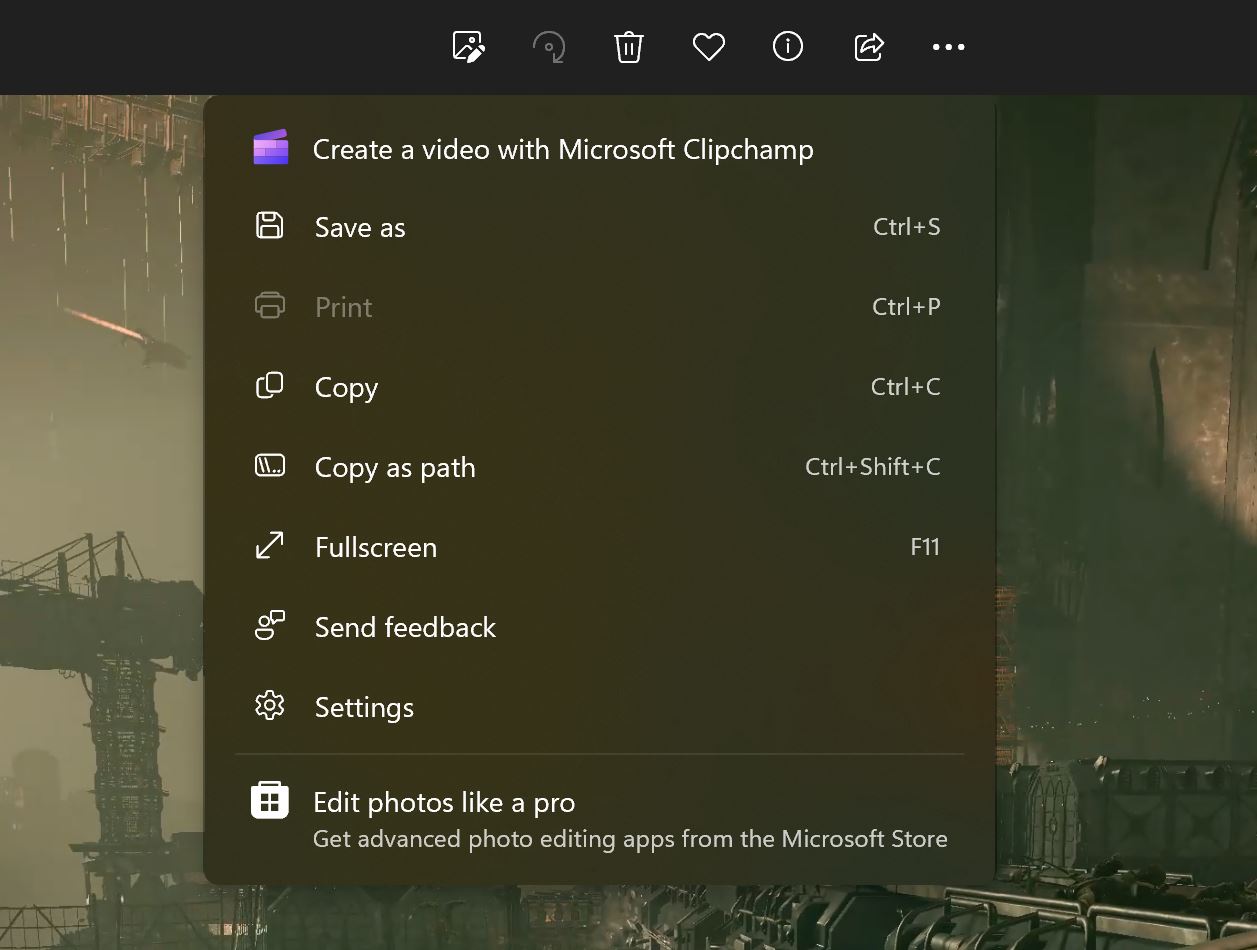 took me six hours of troubleshooting to fix the issue where the Microsoft Photo app gets stuck on saving an image or video that is being edited/trimmed. I have searched the world wide web for solutions but all articles pretty much just give you the standard crap about how you should reset your system, repair or use another program.
I started having the issue on my Windows 10 PC after it downloaded some sort of preparation update for Windows 11. That somehow updated the Microsoft Photos app and after that I could not edit images/videos and save the new version anymore. Apparently the app “forgets” about the location and that screws over everything, thanks Microsoft.
Now here is how I solved the issue for myself: Go to the settings in the app and turn off the following settings.
- Show ICloud Photos
- One Drive – Personal
After I made these two VERY SIMPLE steps I could finally save and edit images and videos again with the Microsoft Photos app. You can turn on the settings again afterward and saving will still work.

It looks like there is some issue here where the program wants to upload these images to the cloud too but then bugs out completely and reks the save in the process. But now it finally works again.